Adobe Photoshop - Design Like a Pro
This course is designed for web designers and developers who want to learn Adobe Photoshop for website and UI design.
Each lecture includes a live demo and practical project so you can apply every concept in real-time.
- 8+ Hours
- 5 Lectures
- Beginner to Advance
- Hindi
Course Description
Learn Adobe Photoshop specifically for website designing create professional UI layouts, banners, and web elements step by step.
This course is designed for web designers and developers who want to learn Adobe Photoshop for website and UI design.
Each lecture includes a live demo and practical project so you can apply every concept in real-time.
Key Highlights
- 5 Live Lectures
- 4 Mini Projects + 1 Final Project
- Learn Photoshop Interface and Web Design Tools
- Design Buttons, Menus, Banners, and Layouts
- Use Grids, Guides, and Layers Professionally
- Learn Web Typography and Color Schemes
- Export Assets for Frontend Development
Learning Outcomes
By the end of this course, you will be able to:
✓ Design modern website UI layouts in Adobe Photoshop.
✓ Create buttons, banners, and navigation menus for websites.
✓ Work with colors, layers, and typography for clean web design.
✓ Optimize and export images for HTML/CSS projects.
✓ Build a complete multi-page website mockup ready for development.
Prerequisites
Basic knowledge of computers and the internet is enough.
No prior design experience is required perfect for beginners and web developers who want to learn designing.
Setup Website Canvas Template
Create a new web layout canvas in Photoshop with correct dimensions, grid, and rulers. Save it as a reusable web template.
Design Header & Navigation Bar
Design a professional website header with logo, navigation links, and background using Photoshop shapes and layers.
Hero Section with Text & Images
Create a modern hero section with large headings, call-to-action button, and background image.
Homepage Layout Design
Design a complete homepage layout including hero section, features, and footer area using Photoshop grids.
Final Project - Complete Multi-Page Website Mockup
Combine all learned concepts to design a full website UI (Home, About, Contact pages) with export-ready assets.
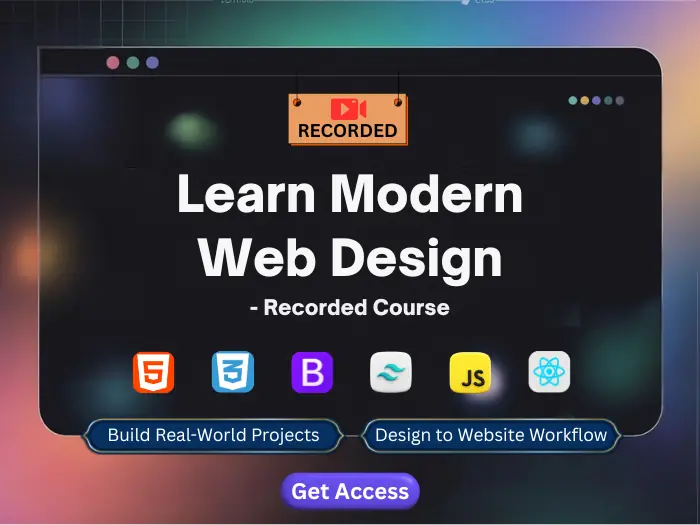
 190+ Hours
 120 Lectures
 Recorded Sessions
 Lifetime Access to Recordings
 Projects Included
 Certificate on completion
 No Live Support
 No Placement
Adobe Photoshop Insights
- Lectures 5
- Duration 8+ Hours
- Language Hindi
- Live Classes No
- Certificate Yes